
ODIN — Data Engineering Platform
Your subsurface data isn't broken. It's disconnected.
Across systems. Across workflows. Across time. ODIN brings continuous visibility and alignment to your subsurface data — not as a one-time project, but as an ongoing system.
One Well. One Answer. Everywhere.
The deployment was so smooth; I didn't hear a peep from anyone — remarkable considering it touched all our active exploration and development projects. Our users now fully trust the automated process to deliver accurate data consistently, significantly reducing errors and non-productive time, and freeing our geoscientists for higher-value activities. Most importantly, I can sleep easier knowing this solution won't disappear when key personnel retire.
This isn't just a data quality problem. It's also a coordination problem.
Geoscientists spend up to 50% of their time on data engineering tasks — collecting, transforming, verifying, fixing, and distributing data across systems. That's not analysis. That's not interpretation. That's not the best use of their time.
Most solutions focus on moving data. But the real challenge is keeping quality data consistent across systems, usable in different applications, and aligned as things constantly change.
Multiple sources. Multiple systems. Multiple versions of “right.” Every integration introduces variation. Over time, logic spreads across scripts, jobs, and teams — creating something that's hard to maintain, hard to scale, and hard to trust.
The people who keep all of this aligned are usually one or two individuals who know the scripts, the workarounds, the edge cases. When they leave, everything slows down — or stops.
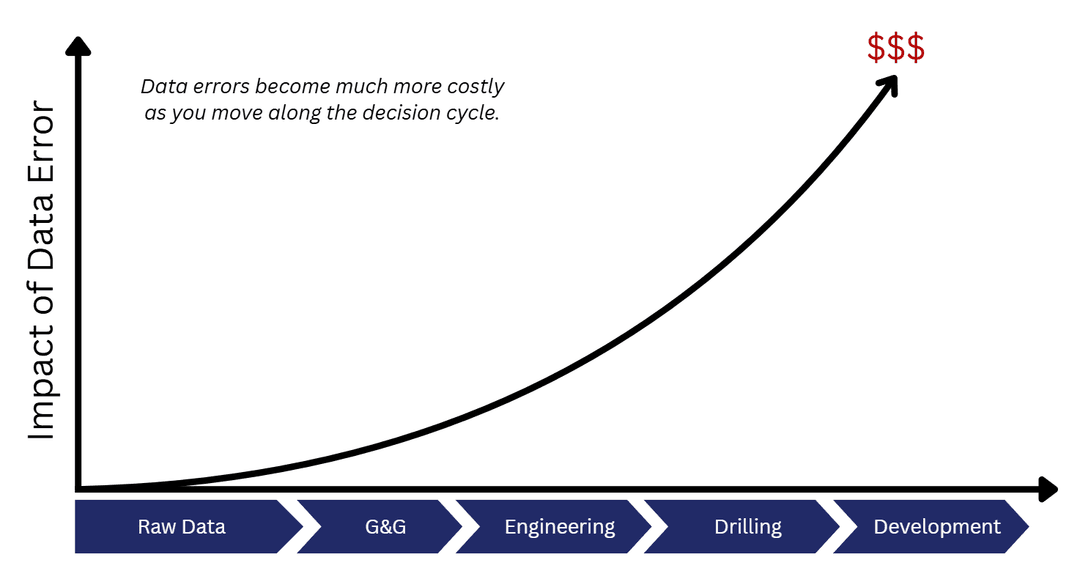
The longer data errors go undetected, the more expensive they become.

Your business runs continuously. Your data should too.
Most data workflows are reactive. Something breaks. Someone notices. Then you go fix it.
ODIN flips that. It runs continuously — data moves where it should, when it should. Known issues are handled automatically. The rest are surfaced clearly so the right person can make the right call.
Without ODIN
With ODIN
ODIN automates data engineering — continuously.
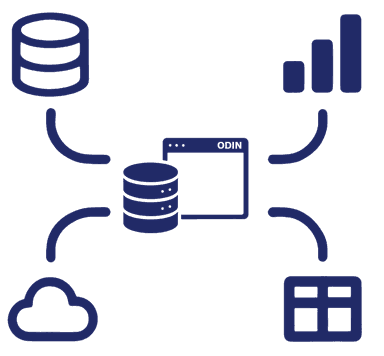
Connectivity
Connects to all your data sources — on-prem, cloud, or hybrid — with built-in subsurface adapters.
Data Quality
Continuously validates accuracy, consistency, and completeness. Auto-corrects known issues.
Automated Workflows
Configurable workflows automate data tasks tailored to how your organization actually works.
ODIN doesn't just move data. It understands it.
Moving data between systems is the easy part. The hard part is knowing what's right, what's wrong, and what to do about it — automatically, at scale, without a human reviewing every record. That's what ODIN's intelligence layer does.
Classification: Not all data should be handled the same way.
A company-operated well in an active drilling program needs stricter governance than a non-operated well with public data. ODIN classifies every data object based on rules you configure — company interest, operator status, drilling activity, or any combination — so the right governance gets applied automatically.
Classifications drive everything downstream: which quality rules run, which workflows fire, whether a correction is automatic or requires human review. You configure the logic once. ODIN applies it continuously across every well, every system, every time.
Workflows: The right action for the right context.
When ODIN detects a data quality issue, the response depends on context. A critical attribute change on a company-operated well might require manual review. The same change on a public well might be corrected automatically. A non-operated well might need approval before writeback.
Workflows route each issue to the right outcome — automatic correction, pending approval, or manual review — based on the classification rules and the importance of the change. No custom code. No one-off scripts. Just configurable logic that scales across every asset area.
Data quality beyond completeness checks.
Most tools stop at “is the field populated?” ODIN goes further with three levels of data quality assessment:
Is the data there? Are required fields populated across all connected systems?
Does the data match across systems? If a well header says one thing in OpenWorks and another in Petrel, which one is right?
Does the data make sense? This is where ODIN's domain knowledge earns its keep.
Does the wellbore TD match the last measured depth on the deviation survey? If it doesn't, there are several possible explanations — the survey may be loaded to the wrong wellbore, the TD needs updating, the survey needs to be projected to drill bit, or additional drilling occurred without a new survey. Each scenario has a different severity and a different response.
Is there data deeper than the survey covers? In many applications, displays visually cut off below the survey's depth range. If perforations or markers exist below that depth, they're invisible — and the geoscientist may never know they're missing context.
Does the calculated wellpath match the stored wellpath? ODIN takes the deviation survey and computes the wellpath independently. If the calculated result doesn't match what's stored, the wellpath needs to be updated — and ODIN can correct it.
Built for subsurface complexity. Not generic data tooling.
Domain-Specific Data Models
Understands wells, wellbores, deviation surveys, marker tops, log curves, zones, casings, perforations, and production data natively.
Application-Aware Mapping
Knows how Petrel, Kingdom, GeoGraphix, Petra, OpenWorks, Compass/EDM, IHS and other systems store and expect data.
Real-World Edge Cases
Unit conversions, CRS transformations, domain-specific data handling — the subtle issues generic tools don't account for.
Exception Handling
When ODIN can't auto-resolve an issue, it surfaces it clearly so the right person can make the right call.
Audit Trail
Tracks all data changes — not just through ODIN, but modifications by other systems and users. Full lineage, always.
Easy Setup & Configuration
Not a dev kit. A turn-key solution with prebuilt adapters, rules, and smart configs. One project per area of interest. Deploys in as little as 30 days.
ODIN Makes You AI Ready
AI is only as good as the data it can access, consume, and understand.
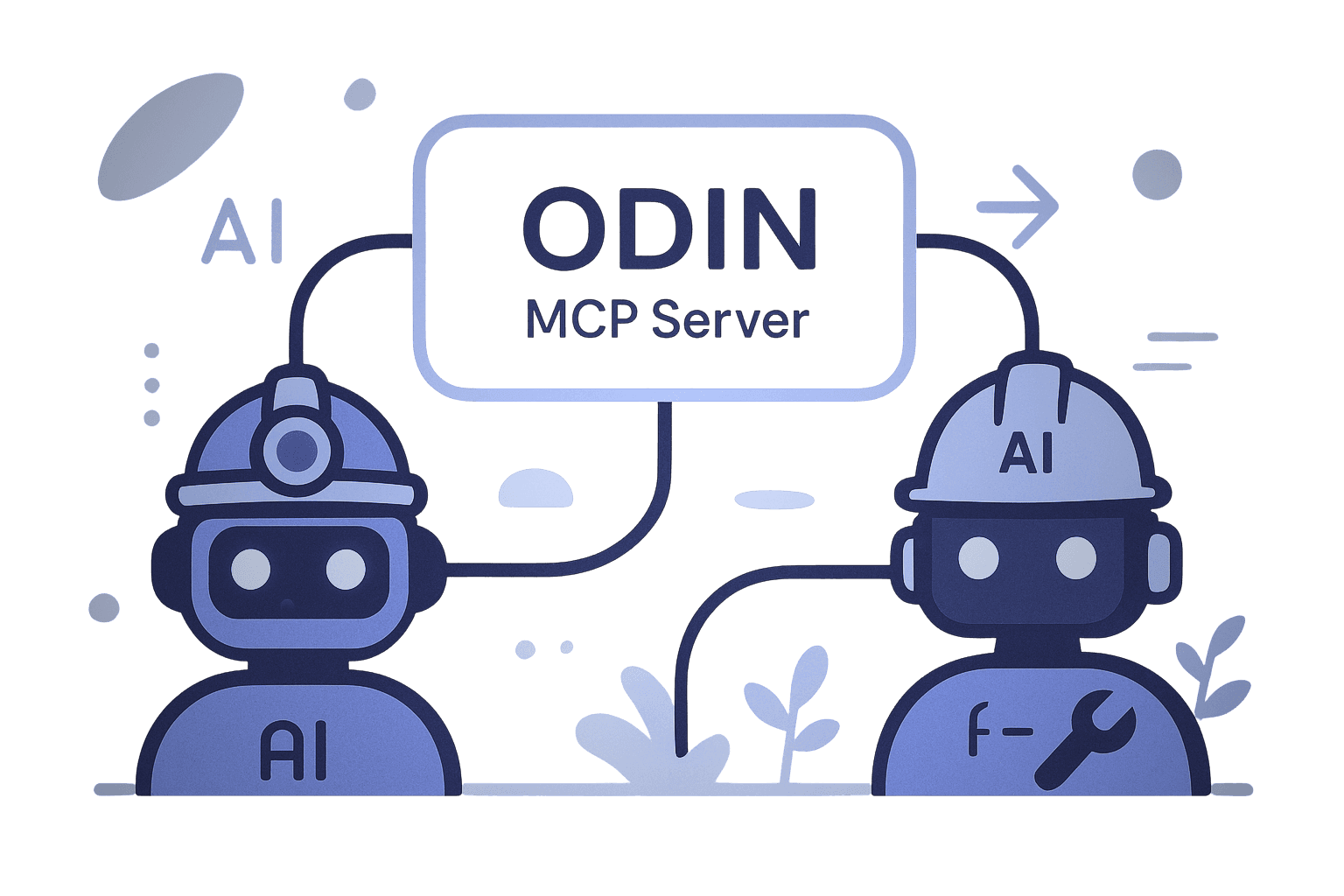
AI-Ready Data
Clean, contextual, enriched data for AI agents and ML models.
MCP Server
Industry standard for connecting enterprise data to AI copilots.
Real results from a real operator.
An operator's team managing well header and directional survey data quality across multiple basins replaced their legacy solution with ODIN. The previous system had served them for 8 years but couldn't scale — it required a specialized “unicorn” employee, couldn't handle their largest datasets, and made expansion impossible.
Performance
Small project (109K data objects): processed in 19 minutes vs. 360 minutes with the old solution.
Large project (5.3M data objects): initial processing in 16 hours. After that, ODIN runs incrementally — only processing what's changed — typically completing cycles in under an hour.
Implementation
Deployed June–August 2024. 4 asset areas, 17 data sources, 10.8 million data objects.
Initial resource load: Data Manager 4–8 hours/week, User engagement 1 hour/week, PandoScape 20 hours/week — total team, not per person.
This team has continued expansion to support additional sources and a more extensive list of data types — scaling ODIN further across their organization.
“Confidence that the team is working with the same high-quality, trusted data — and peace of mind knowing the solution is easy to manage and transfer.”
“No need to dig through log files — quickly view corrections with old vs. new values. Easily navigate to manual items to investigate, make decisions, and track changes.”
“I trust that the data is loaded correctly and I don't have to do it manually anymore. We're getting additional data mapped that wasn't part of our normal load routine — and the domain knowledge built into the system makes a real difference.”
We've been through this before.
Here's what your IT team will ask.
Where does it run?
ODIN is a web-based application that works on-premise, in the cloud, or in a hybrid setup. It fits into your existing infrastructure.
Does it require IT resources to maintain?
No. ODIN runs automatically in the background. Once installed and configured, it requires no additional resources to maintain.
How long does it take to deploy?
Teams typically start seeing results in as little as 30 days. ODIN is a turn-key solution — not a dev kit that requires a development team.
What systems does it connect to?
Petrel Studio, Kingdom, GeoGraphix, Petra, OpenWorks, Compass/EDM, IHS, custom in-house databases, and a growing library.
Can it handle distributed data?
Yes. ODIN was designed from day one for data across different physical locations. Network latency is not an issue.
What data types does it support?
Wells, wellbores, deviation surveys, casings, liners, tubings, perforations, production data, marker tops, log curves, well zones, drilling muds, and more.
Works with your existing systems.
Petrel Studio • Kingdom • GeoGraphix • Petra • OpenWorks • Compass/EDM • IHS Data • Custom in-house databases • Growing library
Wells • Wellbores • Deviation Surveys • Perforations • Production Data • Marker Tops • Log Curves • Well Zones • Casings • Liners • Tubings • Drilling Muds • Growing library
Deployment: On-premise, cloud, or hybrid | Maintenance: Runs automatically — no additional resources after setup | Custom Adapters: Delivered within days to weeks.
How we work with you.
Every environment is different. We start with a conversation. If ODIN is a fit, we prove it on your data, in your environment, so you can see exactly what it does before committing.
Conversation
We start by understanding your data landscape — what systems you're running, what data types matter most, and where the pain is. No pitch. Just a conversation to see if there's a fit. Next, we'll walk you through the product so you can see how it works — but a demo on sample data only shows you the engine. The real proof comes in the next two steps.
Environment Prep
Your team prepares the environment — connectivity, access, and the data sources ODIN will work with. We guide you through exactly what's needed.
Proof of Concept
We deploy ODIN in your environment, on your data, against your real workflows. Different systems, different edge cases, different requirements — this is where you see whether ODIN handles your complexity. Not a simulation. Not a sandbox. The real thing.
We Stay
ODIN doesn't deploy and disappear. We maintain it, monitor it, and handle edge cases as they surface. Our success is measured by whether it's still running years later.
By the end of the POC, you'll know exactly what ODIN can do for your organization — with evidence from your own data to support the business case internally.
Stop chasing your data. Start seeing it.
See what's actually happening in your data.
Start the Conversation →